
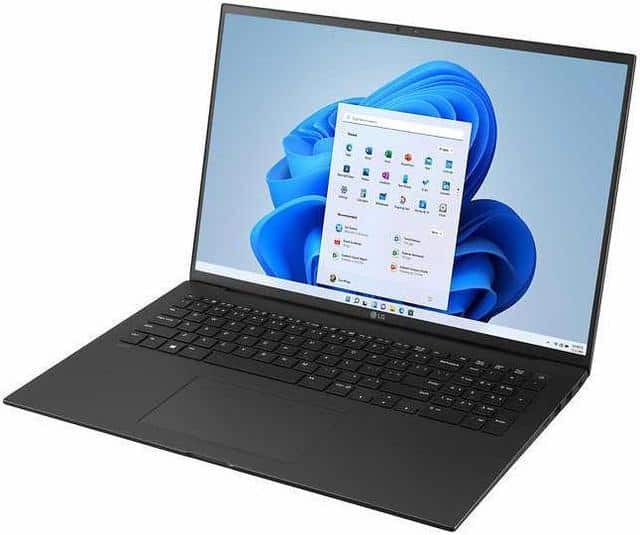
It doesn’t need to be super fast, but you need a lot of hard disk space for music.
I like LG Gram because they are super light and thin, but you can use pretty much any modern Windows or Mac laptop
DJ Software
I use Virtual DJ, and that’s what I teach with in this course. Virtual DJ is very flexible and you can use it with any controller. However, it is not cheap. You can use it for free without a controller, but you need to pay to use with a controller. You can try with a controller for free for 30 days. I recommend you use Virtual DJ, but feel free to try something else.
Rekordbox– made by Pioneer and unlocked for free by most recent Pioneer controllers.
Serato– unlocked by controllers that say Serato on them somewhere. There is a lite version and a pro version, and which one you can unlock for free depends on your controller. There are also some things you need to pay more for. For example, Serato sounds pretty awful when you slow down a track unless you buy Pitch and Time extension.
Laptop stand
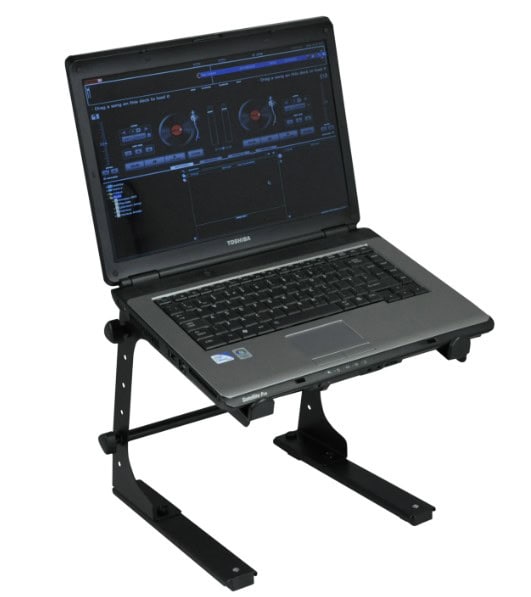
Usually you don’t have a lot of space for your computer and controller, and you can’t fit them side by side. It’s easier to have your computer directly above your controller anyway.
Headphones
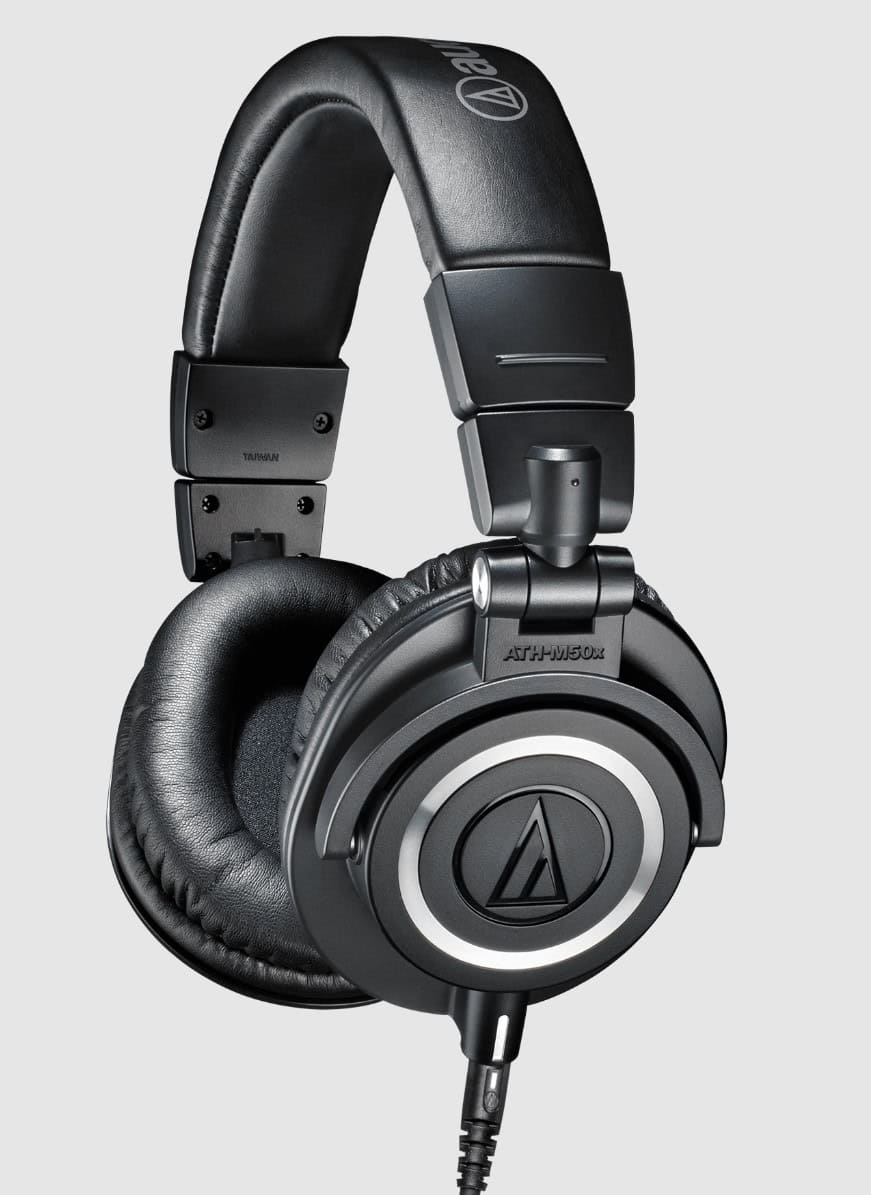
Choose something that goes over your ear and is easy to move on and off so you can focus on the sound from the headphones or slip off to listen to the main speakers. Don’t use earbuds because they won’t block out the noise from your surroundings and they would be annoying to take in and out. Don’t use anything with Bluetooth because there will be a delay in the audio. Audio Technica ATH-M50x headphones are a good choice.
Controller (or sound card)
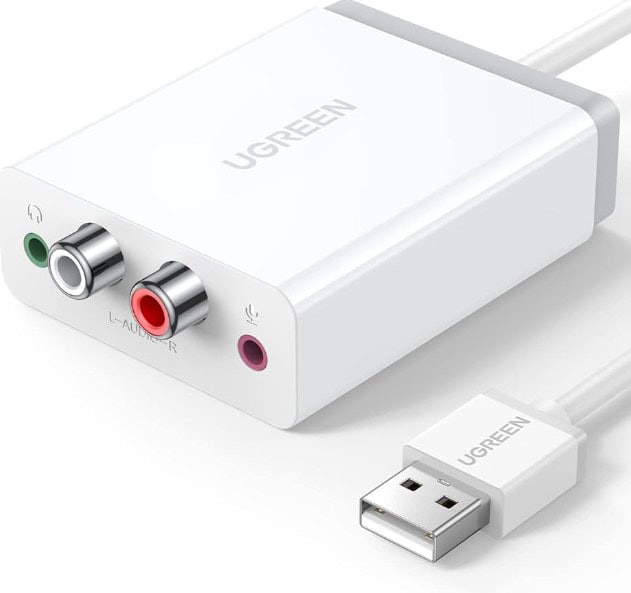
A DJ controller is not *absolutely* necessary. You can play using only your laptop and touchpad/mouse. If you don’t have a controller, you must have a sound card. Why? Because you need two audio output channels- one for your headphones and one for the speakers.
However, most DJs prefer to use a controller. You can program all of the functions in Virtual DJ to be performed by your keyboard only, and you can adjust the knobs in the software using your touchpad, but it’s easier, more comfortable, and I think more fun to use a separate controller. People also expect to see a DJ with a controller, and they don’t really know what a DJ does, so if they see you DJ without a controller, they will probably think you are just playing from Spotify, even if you are doing all the same things that you would do with a controller.
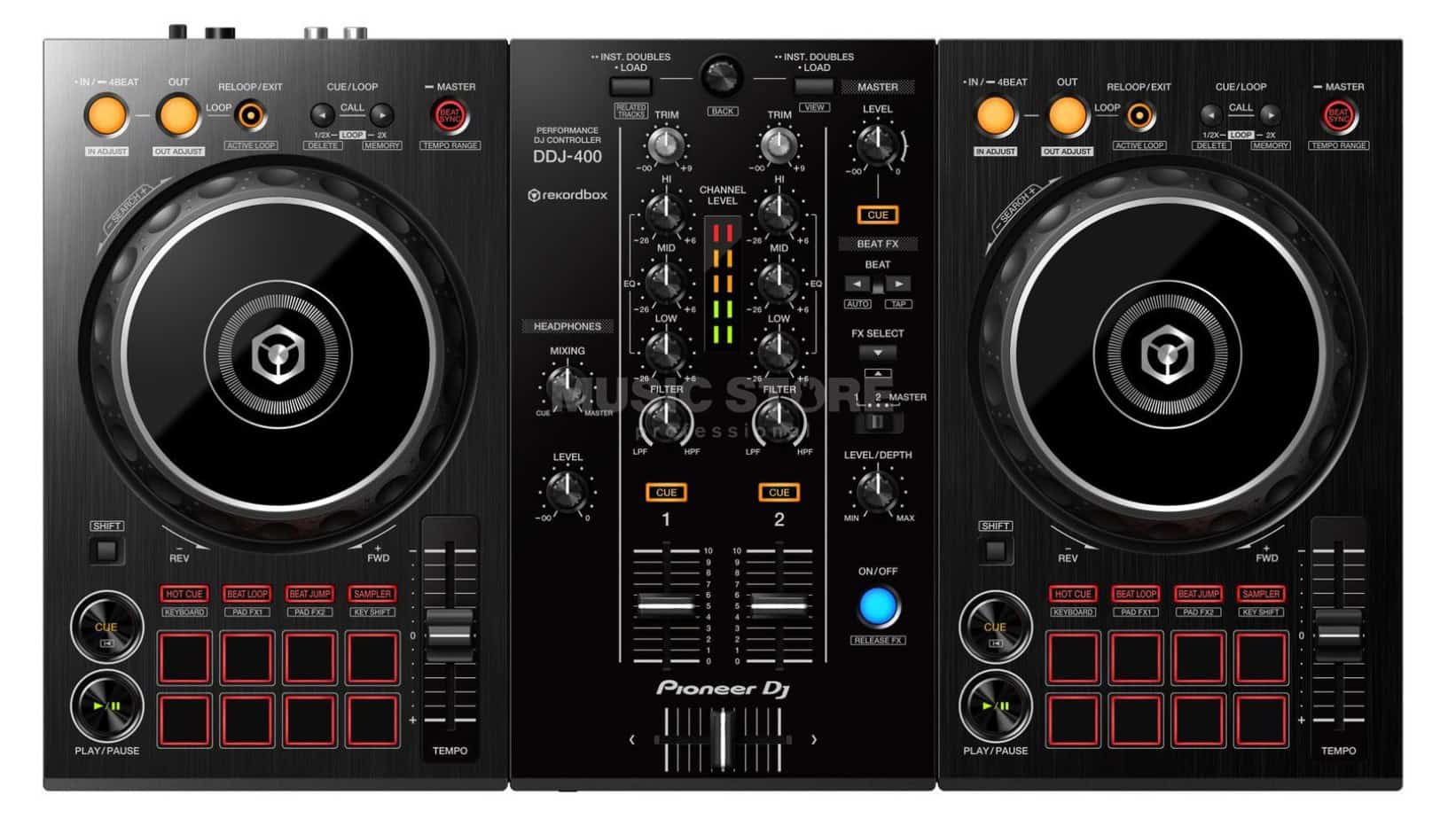
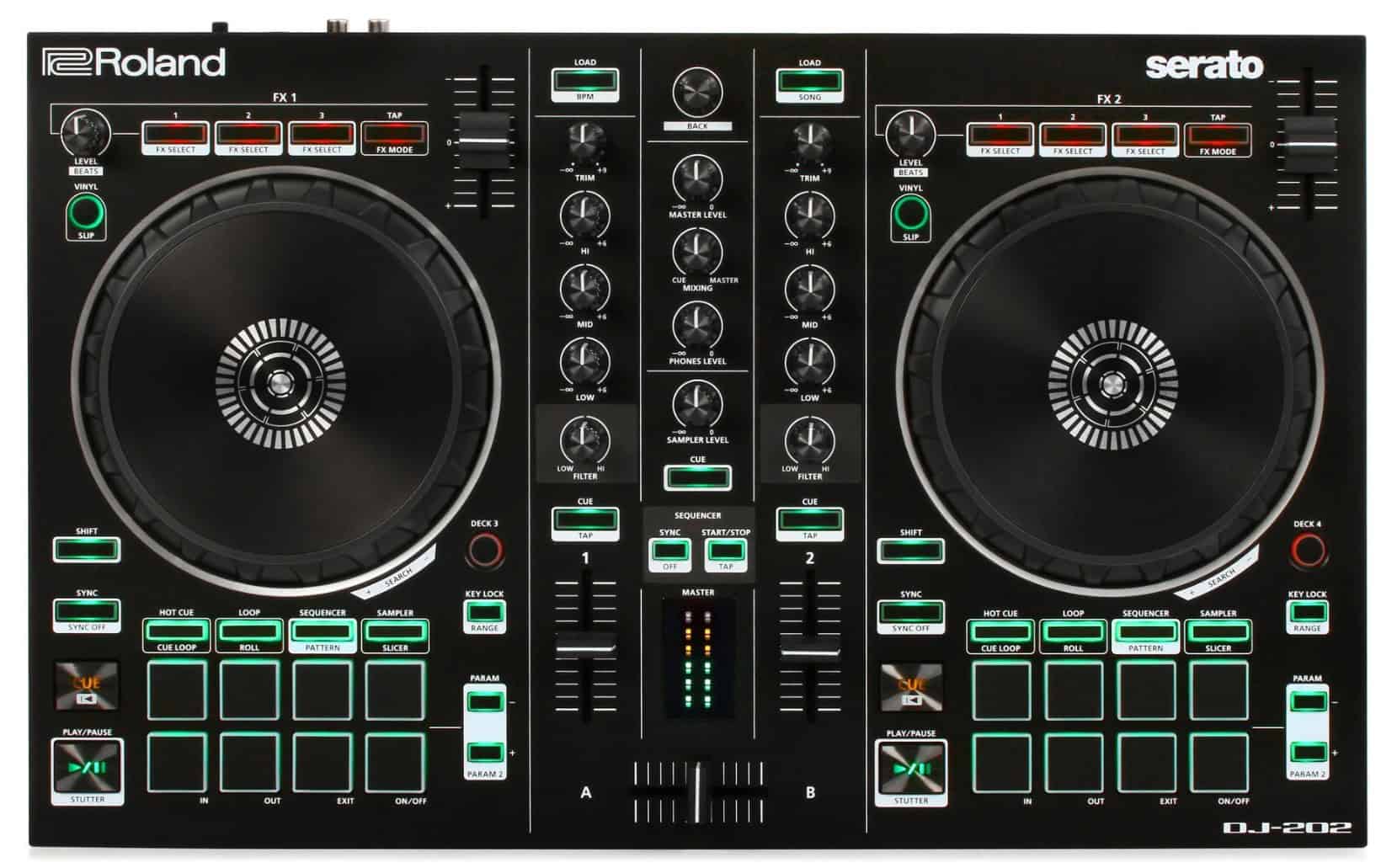
There are many brands of controllers and the prices can be anywhere from USD $100 – $3000+. Most DJs in Zouk use entry-level 2 channel controllers, which cost somewhere around $250. They are all a little different but have mostly the same functionality, so which one you get will depend on your personal preference and what’s available in your area. I use all Roland controllers because I just like how they are set up, how they feel, what they look like, but Roland is not easy to find in Asia. Pioneer is the most popular brand and can be found everywhere. With Virtual DJ you can use any controller, so use whatever you like.
Pioneer DDJ-400 (the most popular entry level controller right now)
Roland DJ 202 (the entry level controller I prefer)
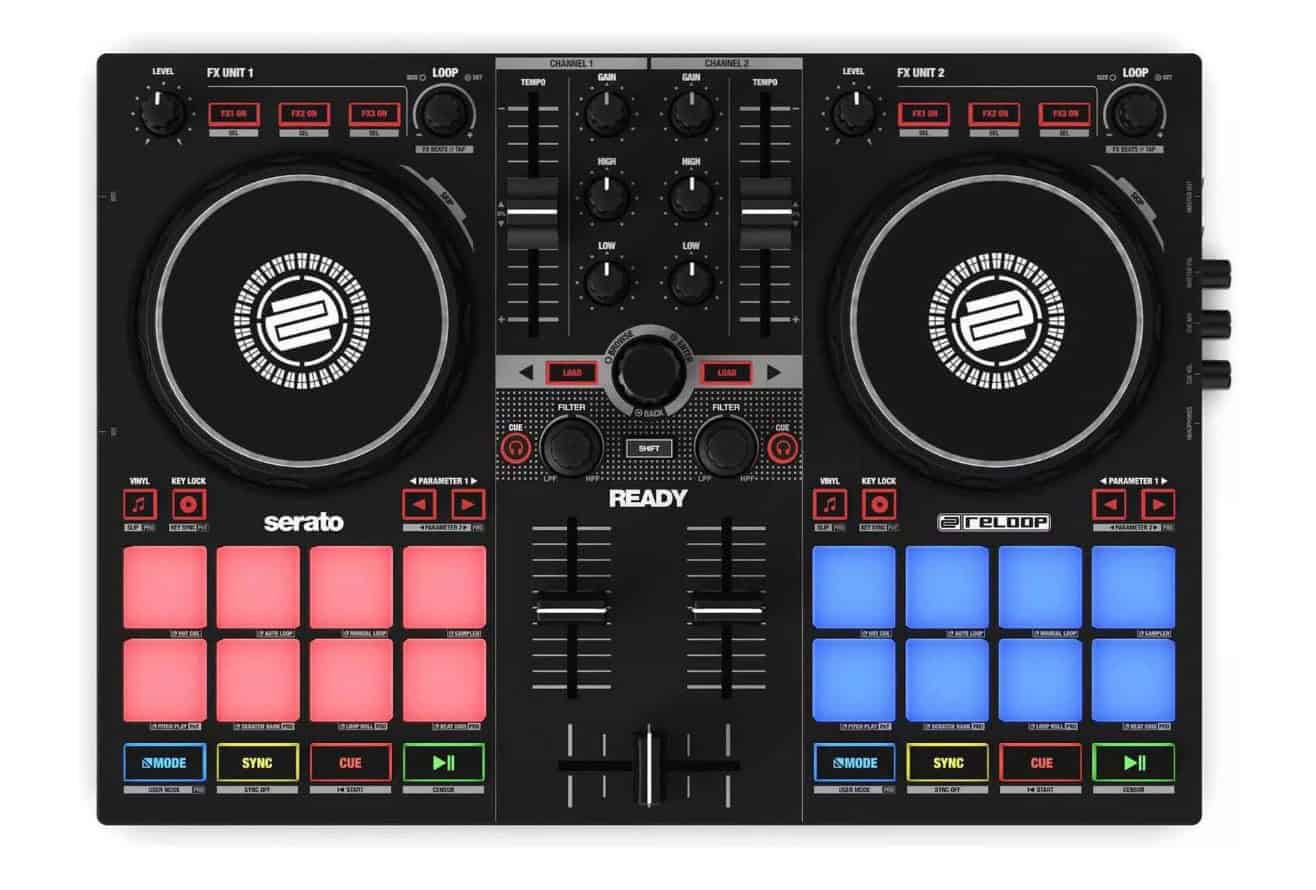
Reloop Ready- a more compact controller that still has good functionality, although a little less than the above
If possible, borrow someone else’s controller before you buy anything. See if you actually enjoy DJing and get a feel for how to use the controller before deciding on what you want. It might be tempting to buy something much bigger and more expensive in the beginning, but know that 1) If it’s bigger, it will be more trouble to carry and set up and 2) buying a bigger/better/more expensive controller won’t make you into a better DJ. However, I also recommend you don’t buy something super cheap and tiny because the functions will be very limited.
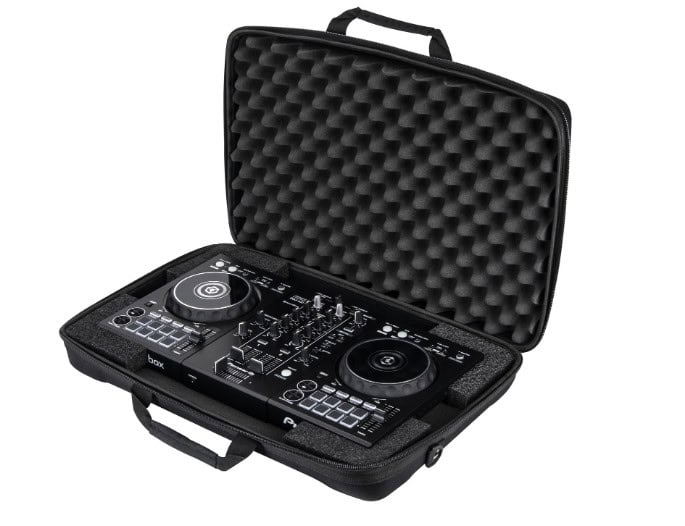
Controller carrying case
Cables
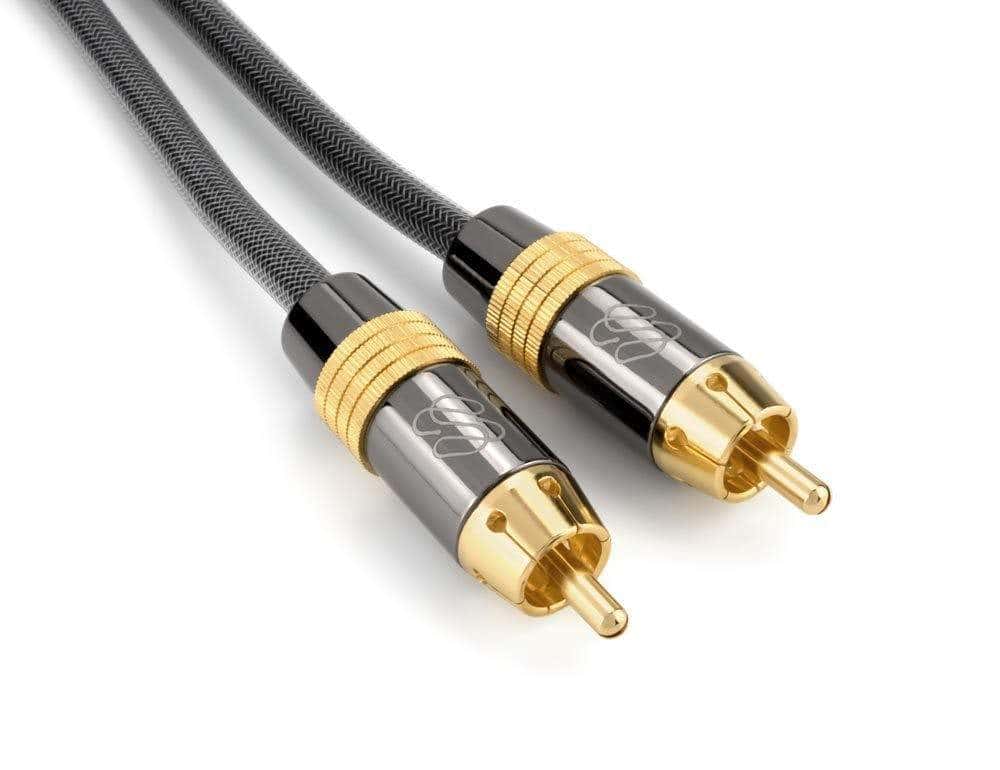
Super important! Always bring all the cables and adapters you might need. Don’t expect ANYONE to have any cables or adapters for you.
Cables are covered in the next lesson.
Phone audio adapter
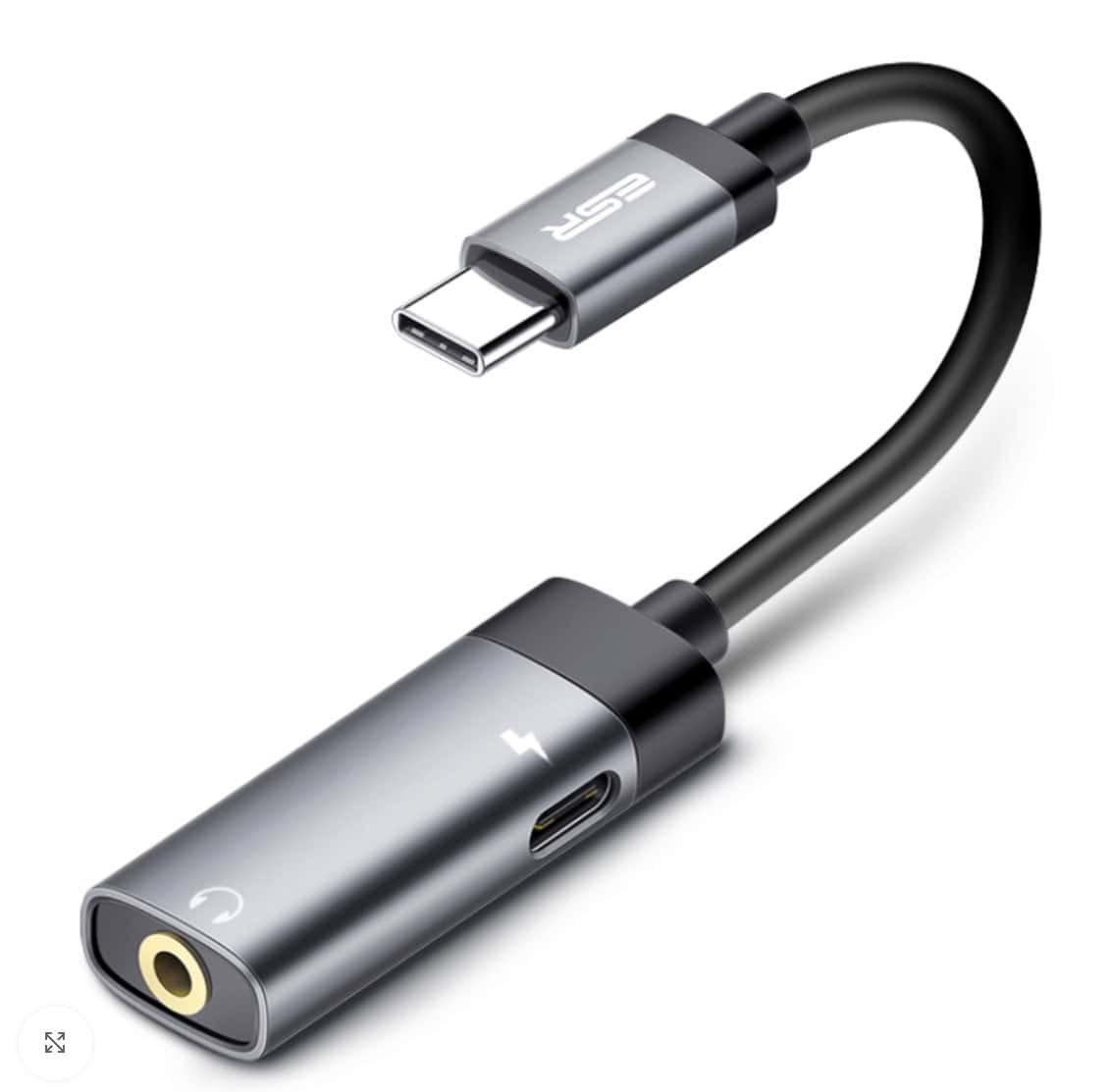
Make sure you have access to some music on your phone for emergencies! If you have a big problem with your computer, you can play a backup mix from your phone.
Power adapters/surge protectors
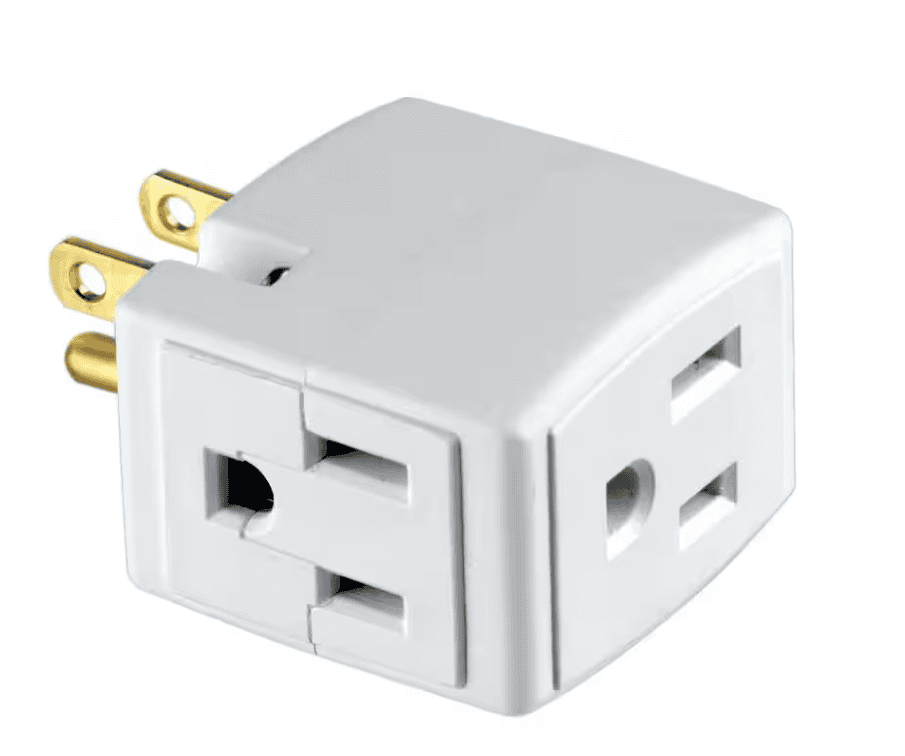
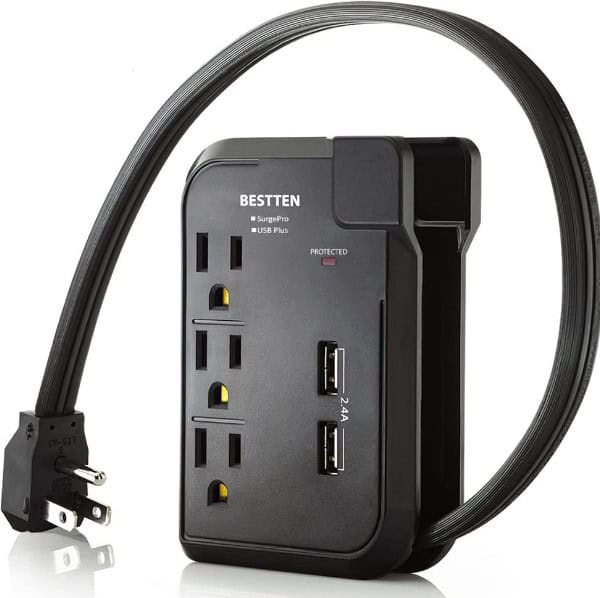
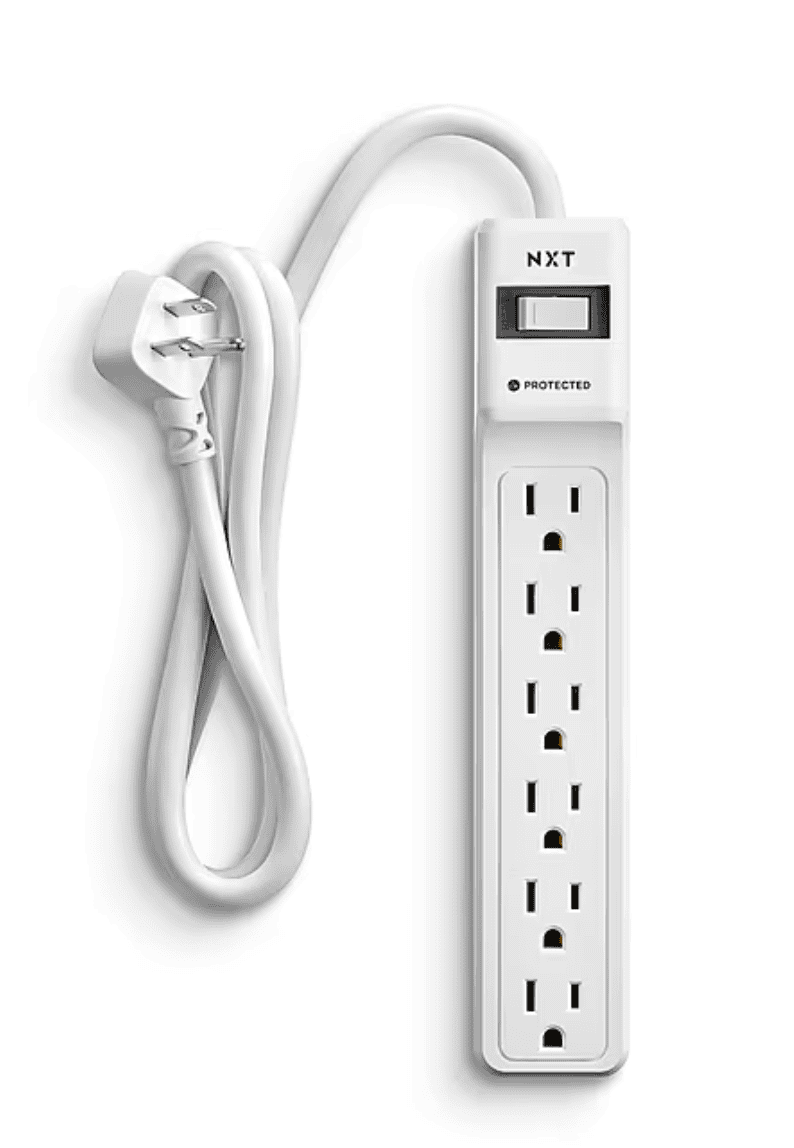
Don’t expect to have enough outlets to plug in anything! Sometimes you go to set up and find that all of the outlets are full. Bring an outlet extender or a small power strip so you can add more outlets if necessary. Sometimes the outlets are too far away and it helps to have a power strip or extension cord. When possible, be the person that has solutions, not problems 🙂
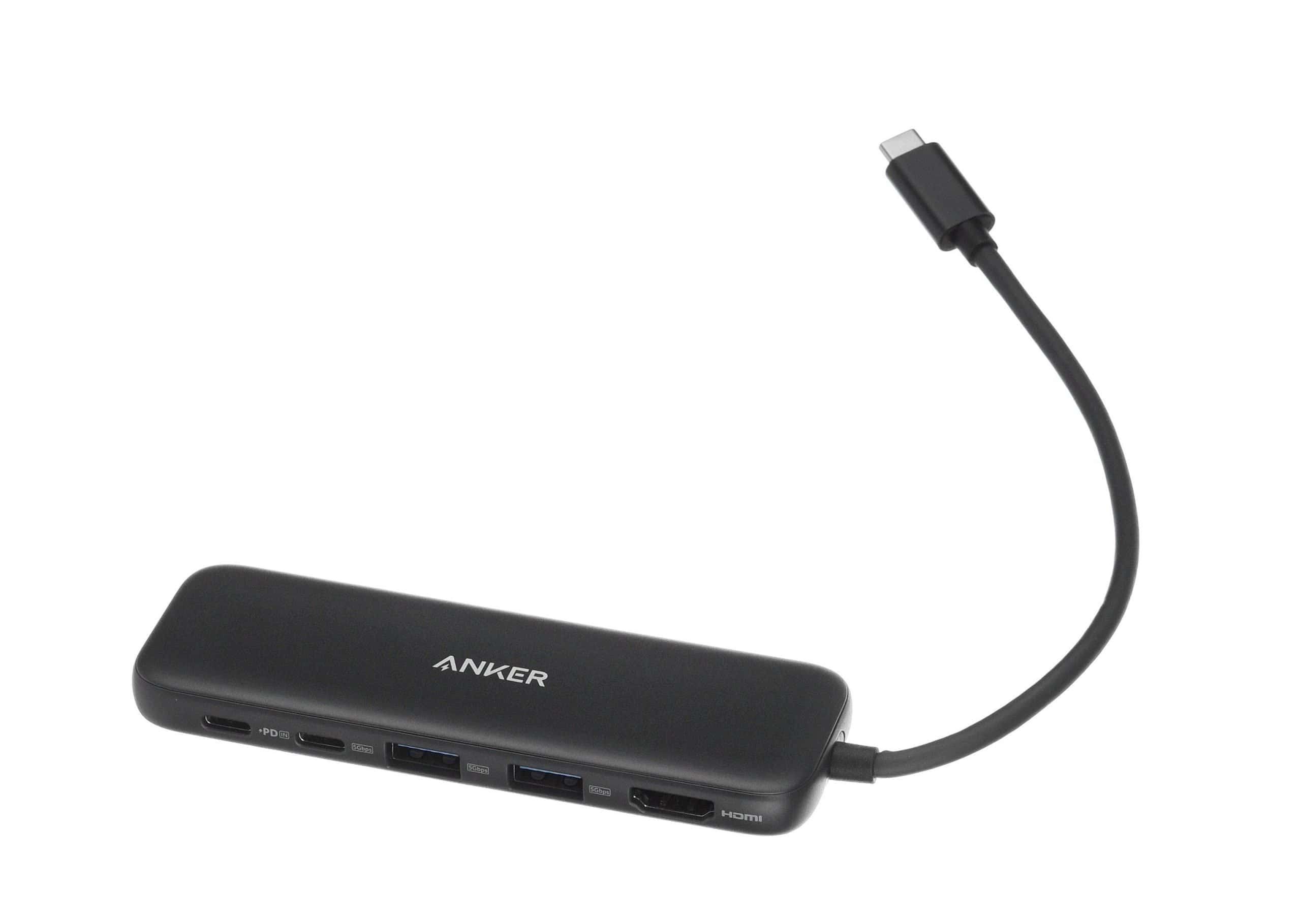
USB-C hub, if you need more USB ports
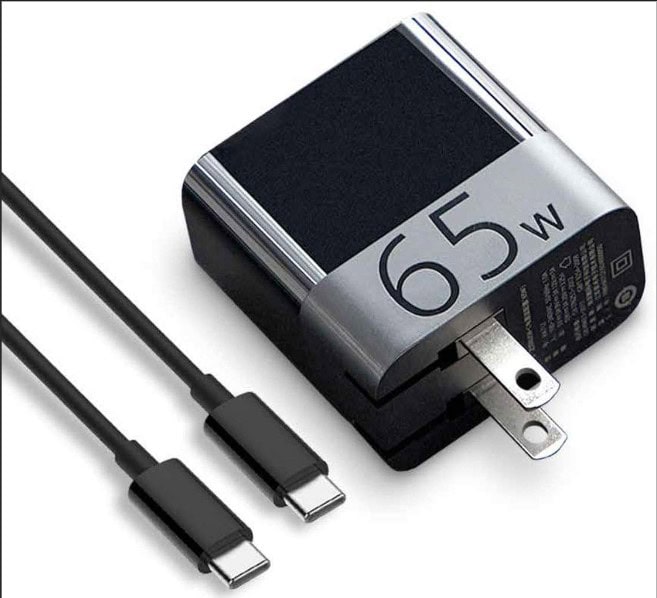
Laptop charger and cable
Bring 2 for a gig, just in case!
Cable bag
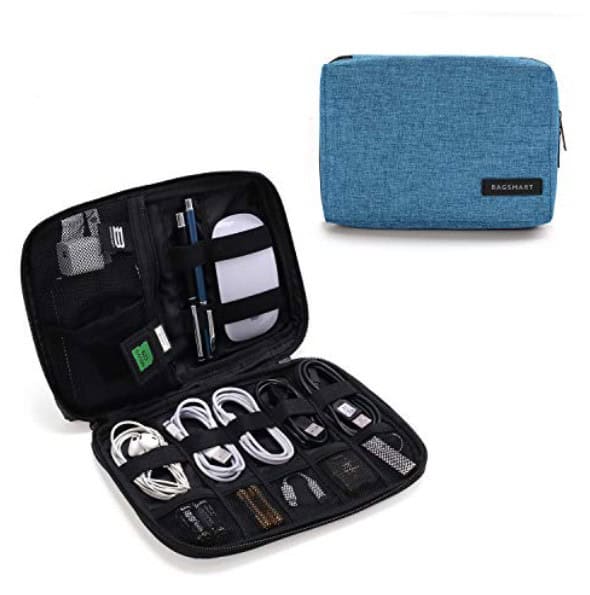
This is a lot better than shoving all of these things into your backpack. If you keep your cables and adapters organized like this, it’s much easier to make sure you have everything you need
At home
Monitor speakers
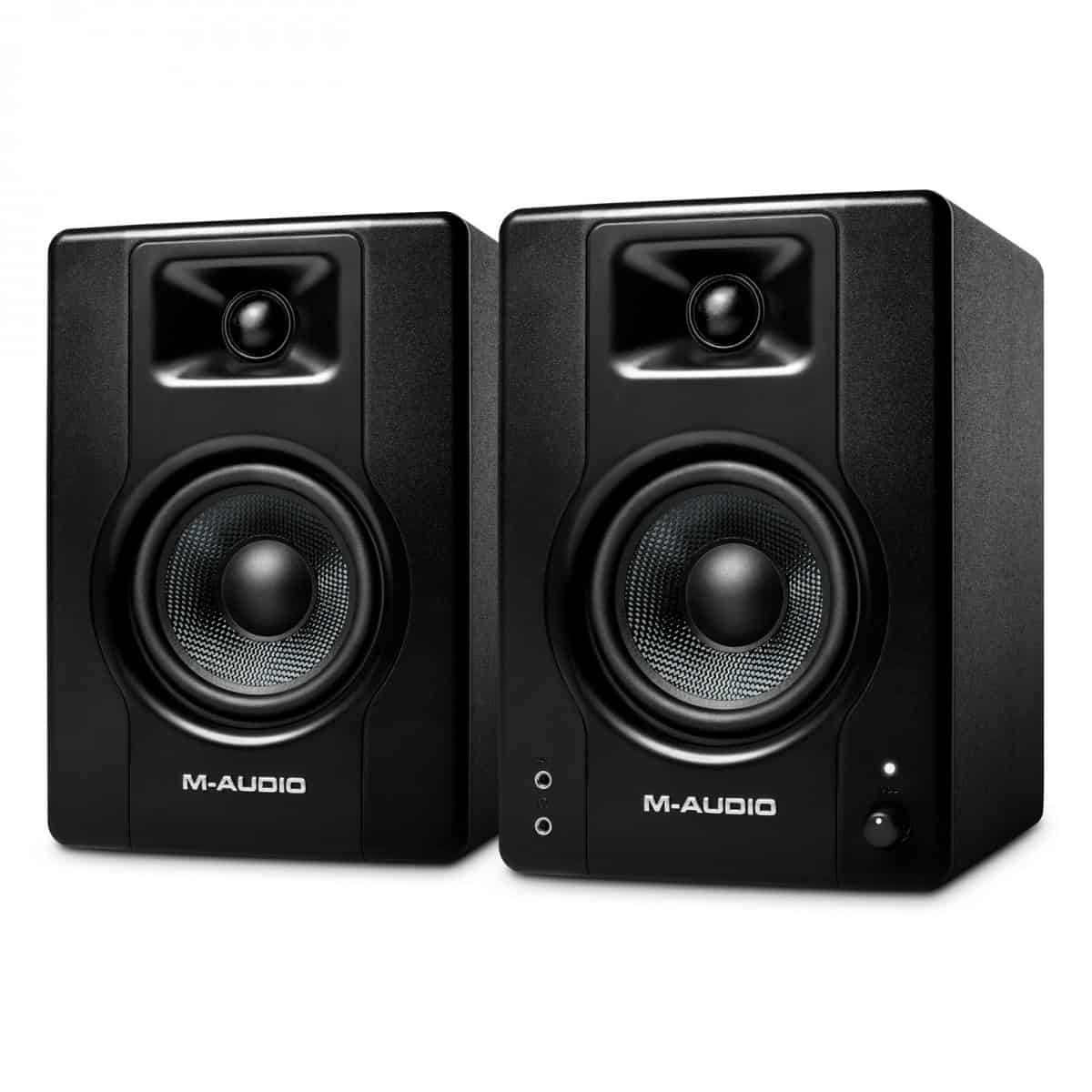
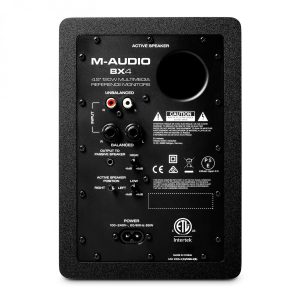
Get some powered monitor speakers that have inputs that match your controller’s outputs, for practicing
You want to route the audio directly through your controller, not back through your computer. I have these M-Audio BX4 speakers.